
Qwen Image 3 Pro
Create or edit images with Qwen Image 3 Pro from a prompt and up to three reference images. Try three free images, no sign-up needed.
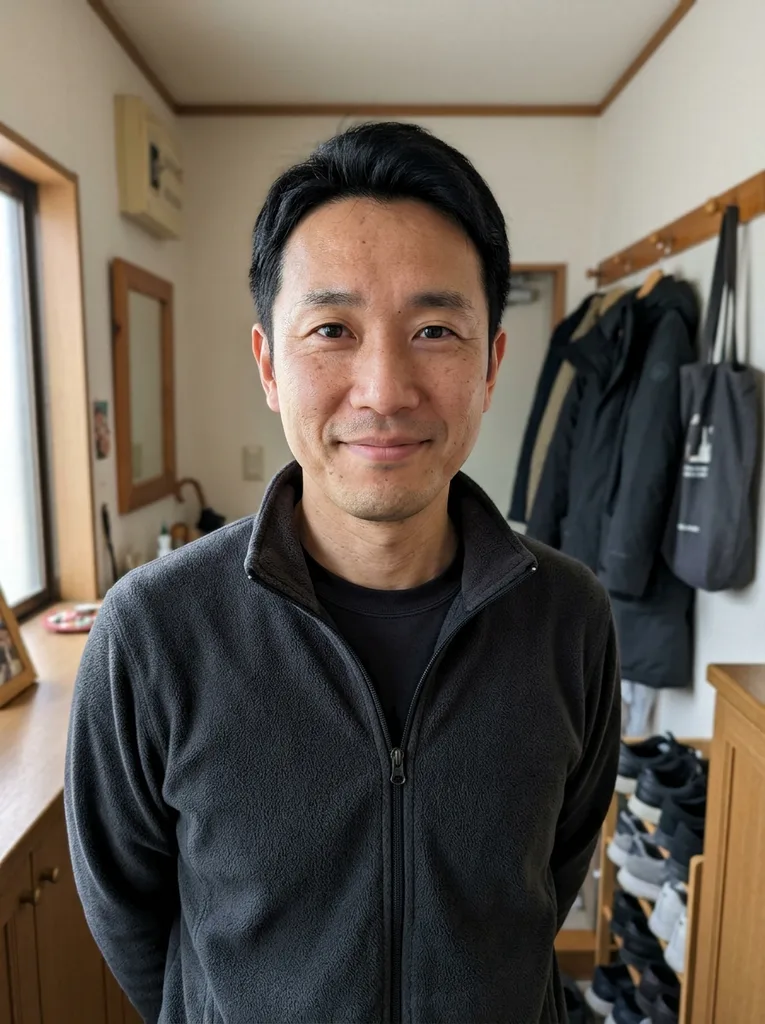 Before
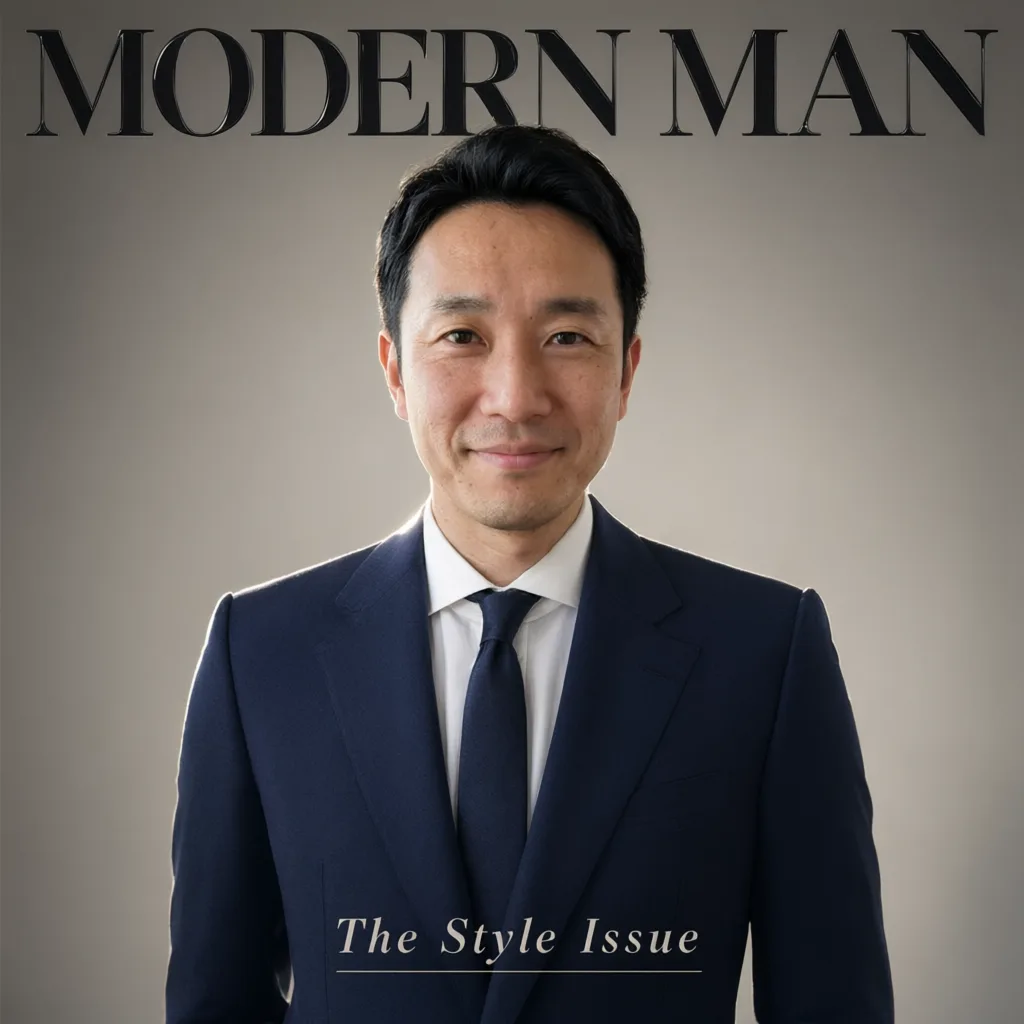 After
Example result. Describe your image to make yours.
Examples
BeforeAfterQwen Image 3 Pro vs Qwen Image 3.0
Compare resolution, reference images and controls on the two pages.
| This page (Pro) | Qwen Image 3.0 page | |
|---|---|---|
| Resolution | 1K or 2K | 1K only |
| Reference images | 0 to 3, same form as the prompt | None, text only |
| Prompt length | Up to 3,900 characters | Up to 5,000 characters |
| Aspect ratios | Eight, from 1:1 to 21:9 | The same eight |
| Model | Qwen Image 3 Pro | Qwen Image 3.0 |
| Extra controls | Aspect ratio and four quick edits | Aspect ratio |
| Setup | Open the page, no sign-up | Open the page, no sign-up |
| Cost | three free images, then none offered | Same shared allowance |
| Output | One image per run, PNG or JPEG | One image per run, PNG or JPEG |
What Qwen Image 3 Pro does
One form for new images and for editing the ones you have.
Qwen Image 3 Pro is the higher tier of the Qwen Image 3 family. Write a prompt and you get a new picture. Add one to three reference images and the same prompt edits or combines them instead.
It is built for pictures that carry words: posters, menus, covers, signs and labeled graphics. Put the exact text in quotes and the model is told to spell it as written.
The 2K setting gives a larger image than the default 1K, which helps when you plan to crop or print. This site is an independent third-party tool, not run by Alibaba Cloud or the Qwen team.
A typical run starts with a short brief: the subject, the layout, the words in quotes and the aspect ratio. If the first image is close but not right, change one thing in the prompt and run again, keeping in mind that each run uses part of your free allowance.
The Quick edits chips add a ready instruction to your prompt: Background Replacement, Object Removal, Style Transfer and Text Overlay. You can turn on more than one at a time, and the prompt still says which background, which object, which style or which words.
Made for
- Poster and cover makers
- Marketers
- Small shop owners
- Social media creators
- Designers sketching layouts
What is free, what happens to your files
Free Qwen Image 3 Pro allowance
You get three free images per visitor, shared across the whole site, with no account and no card. A run that fails is not counted. There is no paid plan today, so there is no way to get more after that.
Your files
Your photo is only used to create your images and is never used to train AI models. Reference images go to our storage and to the model provider, which keeps results for a limited time so you can download them.
Check the result
This is AI output. In one test, a magazine cover prompt kept the face and spelled both quoted lines correctly, but check every word, number and detail against your prompt and your original before you use the image anywhere.
Limits
One image per run, JPG, PNG, WebP or HEIC references up to 10 MB each, and at least 2 seconds between runs. There is no mask brush, batch mode, video or API.