
Qwen-Image-3.0
Write a prompt and Qwen-Image-3.0 turns it into a picture, text in the image included. Try three free images, no sign-up needed.
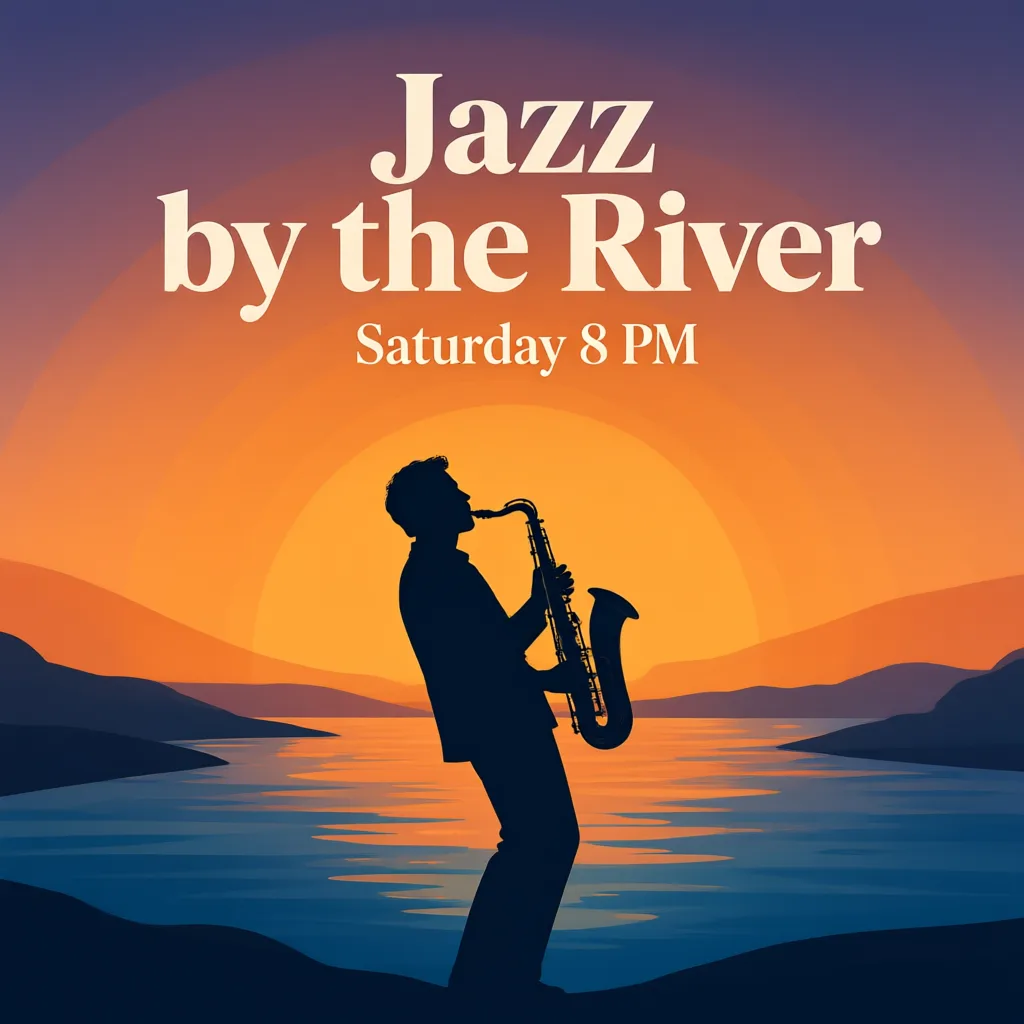
Example result. Describe your image to make yours.
Examples
Why Try Qwen-Image-3.0 Here
A text-only page for putting one prompt through the model.
Text inside the picture
Qwen describes this model as made for readable text, down to about 10 pixels, in 12 languages. Put the words you want in quotes and they go into the poster, sign or label.
A long brief for Qwen-Image-3.0
The prompt box takes up to 5,000 characters. Describe the layout, the colors, the type style and every line of copy in one go instead of trimming the brief down to a few words.
Eight picture shapes
Pick 1:1, 4:3, 3:4, 16:9, 9:16, 3:2, 2:3 or 21:9 before you generate. A 2:3 poster, a 9:16 story and a 21:9 banner can all start from the same prompt, with only the shape changed.
No account for your first try
You get three free images with no sign-up, email or card. A run that fails is not counted against it.
Tested, with one lesson
In our test of a summer jazz poster, the first run added social icons and a web address nobody asked for. Naming the only two lines of text and adding "no icons" gave a clean poster on the next run.
The model itself, not the brand
This page runs Qwen Image 3.0. The site is an independent third party, not run or endorsed by Alibaba Cloud or the Qwen team.
Prompt Checklist for Qwen-Image-3.0
Write the whole prompt first: a changed prompt or ratio needs a new run.
- Put every word that must appear in quotes, and say those are the only words in the image.
- Add "no logos, icons or web addresses" when you want a clean layout, since extra elements can show up.
- Describe the layout in reading order, from top to bottom or panel by panel, one line each, so Qwen-Image-3.0 places each block where you expect it.
- Pick the aspect ratio before you generate, for example 2:3 for a poster or 9:16 for a story.
- Name the colors and the style in a few words, such as "beige and brown, flat illustration".
- Write the text in the language you want to see; the model handles 12 languages.
- Keep headlines short, and read every word and number in the result before you use it. Small or non-English text is where spelling slips most.
- Your free allowance covers the whole site, so spend a run on a finished prompt, not a draft.
- Say what the picture is for in the first sentence, such as "a café menu board" or "a conference poster", then add the details.